Get to the payment QR quickly
At the counter, merchants need to show a code while the customer is ready to pay.
Maybank · 2024
QRPayBiz is Maybank’s merchant app for accepting DuitNow QR payments, reviewing transactions, and managing outlets.
01 — Overview
QRPayBiz helps businesses take DuitNow QR payments at the counter and keep track of sales across their outlets. During checkout, staff can show a QR code and check that the payment came through. Later, owners can review transactions and see how each outlet is doing.
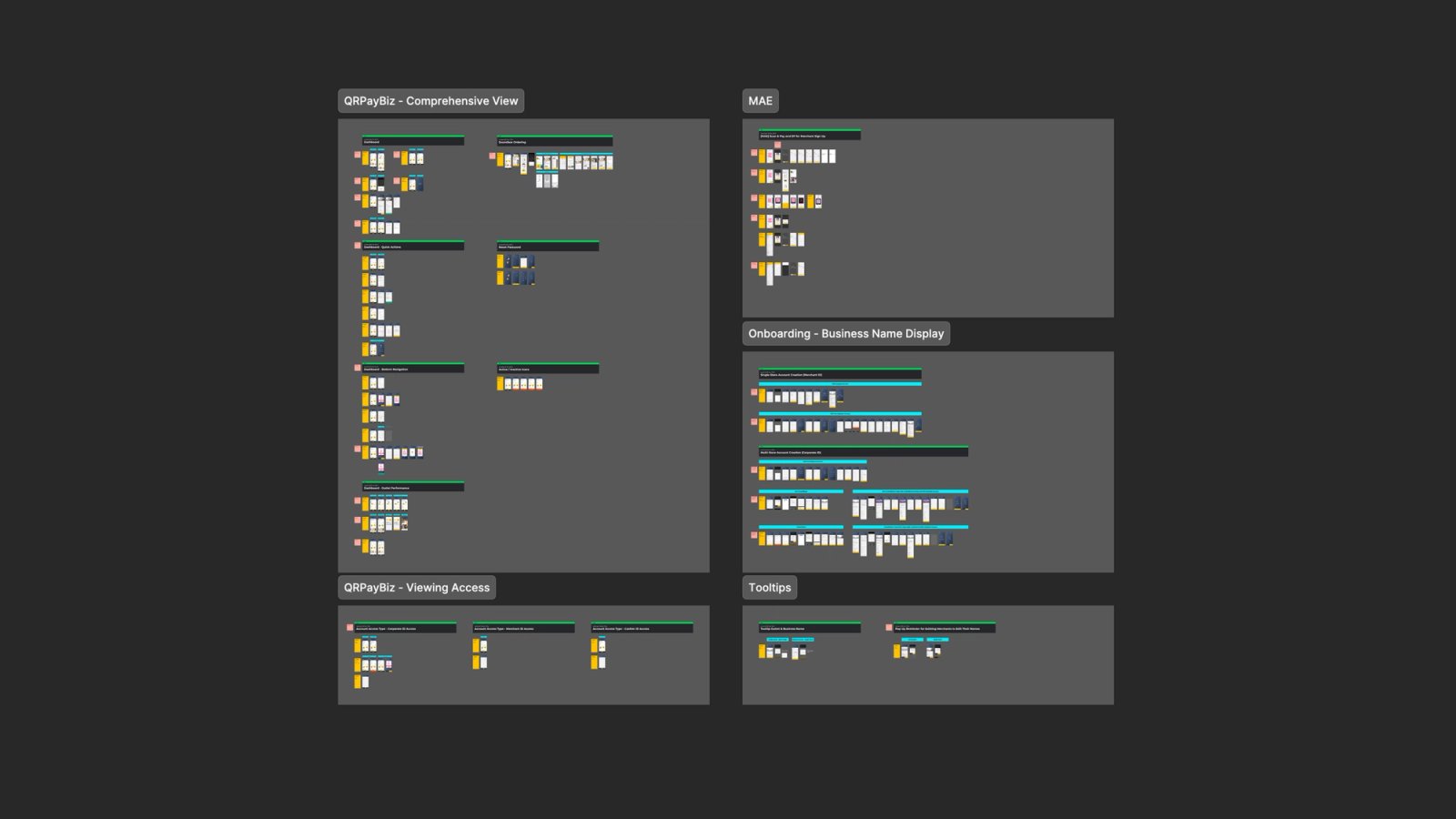
The project focused on the merchant dashboard and the paths into those everyday tasks. Quick Actions and bottom navigation gave merchants ways to get to common tasks, while Outlet Performance gave owners a place to review sales by outlet and time period.
02 — Statistics
The design aims to reduce time spent navigating during checkout and make outlet activity easier to review.
−33%
Time to show a payment QR
18 → 12 seconds from opening the dashboard to displaying the QR code
90%
Payment lookup success
18 in 20 merchants found a specified payment without help
85%
Outlet performance task success
17 in 20 merchants found the sales total for the requested outlet and date range
03 — Problems
Get to the payment QR quickly
At the counter, merchants need to show a code while the customer is ready to pay.
Confirm a payment with confidence
When a customer says they’ve paid, the merchant needs to find the matching transaction.
Understand outlet activity
Owners need to know which outlet and time period they’re looking at before interpreting sales figures.
Find occasional tasks when needed
Ordering a Soundbox or resetting a password needs a clear route through the app.
04 — Research
Review how static and amount-specific QR codes fit different checkout situations.
Trace the route from the dashboard to transaction history and individual payment details.
Check how outlet context affects which sales and transactions a merchant sees.
05 — Findings
06 — Ideation
Content
07 — Validation
Show a QR code
Time how long it takes to display a scannable payment code from the dashboard.
Find a specific payment
Give merchants an amount and approximate time, then check whether they identify the matching transaction.
Read outlet performance
Ask merchants to find the sales total for a specified outlet and date range.
Find Soundbox ordering
Check whether merchants can find where to order a device and identify the next step.
08 — Features
Next projects