Maybank · 2024

Tap, Track, Win!

Tap, Track, Win! by Maybank is a cashback rewards feature within the MAE app.

Role
Product Designer
Timeline
3 months
Platform
iOS, Android
Team
UX Writer, Head of Designer, Product Manager, Marketing

01 — Overview

Turning everyday banking into a chance to earn rewards

Maybank ran Tap, Track, Win! as an in-app marketing campaign for MAE customers. Participants could check in over seven days to earn rewards, with milestones shown on a daily check-in card. They could also complete separate trackers for eligible transactions, such as paying bills or using Scan & Pay, for a chance to earn cashback.

I designed the MAE homepage entry point and campaign screens. The homepage placement made the campaign visible during regular banking visits and gave customers a direct route to the hub, where they could join, check their progress, and see what they could earn.

02 — Statistics

The homepage entry point supported campaign discovery, while the seven-day check-in gave participants a reason to return. These three measures follow the journey from seeing the campaign to completing the check-ins.

+15%

Scan & Pay usage

4.0 → 4.6 payments per opted-in user per month

35%

Monthly check-in completion

35 in 100 users who started reached 7 check-ins

80%

Cashback eligibility understood

8 in 10 test participants correctly identified an eligible transaction

03 — Problems

Making the campaign easy to find and follow

  • Discovering the campaign

    Customers needed a visible way into the campaign during everyday banking.

  • Understand the offer

    First-time visitors needed to know what they could earn before deciding to join.

  • Pick up where they left off

    Returning participants needed to see which check-ins they’d completed and find the next action quickly.

  • Know what qualifies

    Customers needed to understand which transactions counted toward cashback and what each tracker required.

04 — Research

Exploring how customers would find and use the campaign

  1. 01

    First-time experience

    What did customers need to know about the offer before joining?

  2. 02

    Repeat check-ins

    How could returning participants see their progress and check in again?

  3. 03

    Cashback expectations

    When did customers need to see eligibility rules and learn where cashback would be credited?

05 — Findings
Giving check-ins and transaction trackers distinct roles

  • Daily check-ins are a repeat action

    Showing progress and the check-in button together gives returning participants a single place to pick up.

  • Transaction trackers have specific requirements

    For Pay Bill, the payment count and minimum amount matter before a customer starts paying.

  • Prizes and rules answer different questions

    Customers may want to see what they can earn or look up the steps to qualify.

  • Cashback has a destination and timing

    The wallet prompt explains where cashback goes, while the confirmation shows when to expect it.

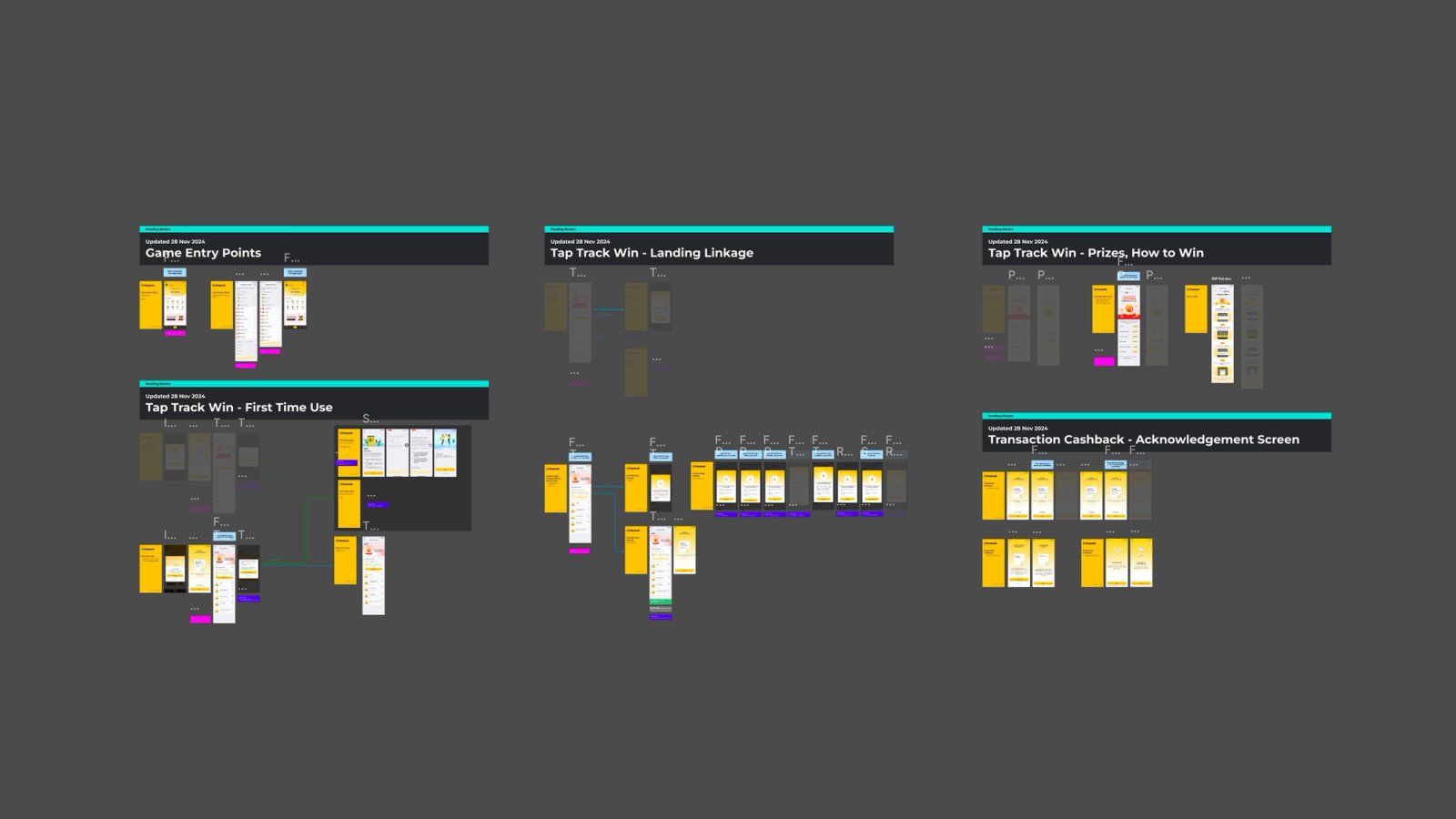
A sneak peek at how the Figma file is organized.

06 — Ideation

Deciding what customers should see first

Content

  • Introduce the offer before sign-up. I used a short introduction to explain the campaign and give customers the option to join or come back later.
  • Lead with the daily check-in. I placed the check-in card at the top of Trackers so returning participants could see progress and act right away.
  • Show transaction progress at a glance. I placed tracker cards below the check-in, with a progress count on each card and detailed requirements one tap away.
  • Give prizes and rules their own tabs. I used Prizes and How to Win to keep both easy to find while leaving the Trackers tab focused on what customers could do next.

07 — Validation

Checking whether customers could complete the key tasks

  • 01

    Find and join

    Can customers discover the campaign from the homepage and explain the offer before joining?

  • 02

    Check in and read progress

    Can participants complete a check-in and tell how many days they’ve finished?

  • 03

    Identify an eligible payment

    Can customers explain how many payments Pay Bill requires and the minimum amount per payment?

  • 04

    Read the cashback confirmation

    Can customers tell how much they earned, where it will go, and when it will arrive?

08 — Features

  • Discover and join

    The homepage entry point opened the campaign hub. A short introduction explained the cashback offer and let customers join or come back later.

  • Check in and see progress

    The daily card showed all seven days, highlighted reward milestones, and put Check In Now directly below the progress row.

  • See what qualifies before paying

    The Pay Bill tracker showed progress toward two eligible payments. Its detail screen explained the minimum amount per payment before customers tapped Pay Now.

  • Know when cashback arrives

    The wallet prompt explained that cashback would be credited to the MAE Wallet. The reward confirmation showed the amount earned and when to expect it.

Next projects